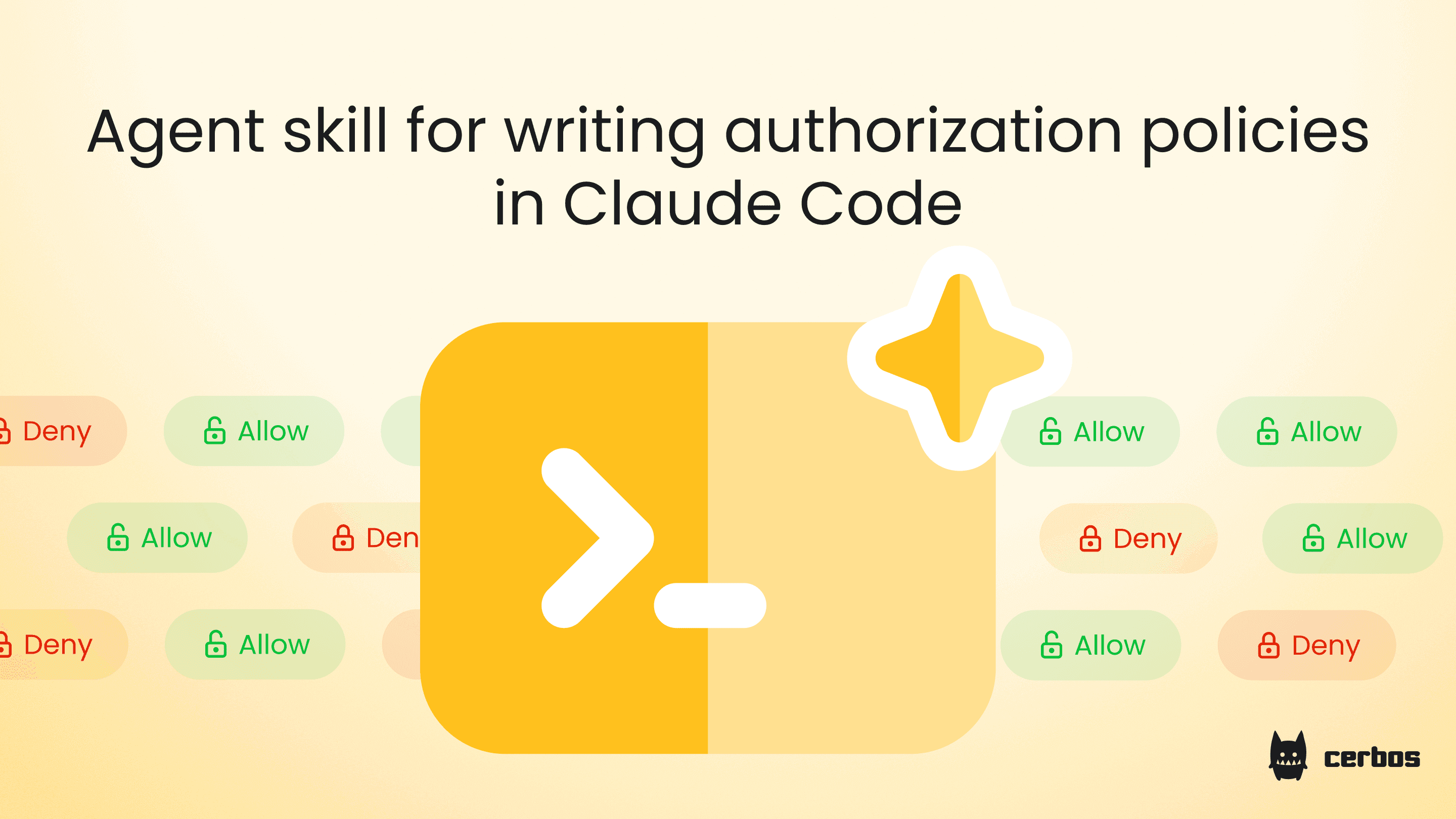
Authorization is one of those parts of a backend that sounds simple until you start writing it. By the time you have multiple resource types, derived roles, attribute conditions, and a handful of tenants in the mix, the policy bundle becomes a multi-day YAML and CEL exercise. The boring parts dominate. The interesting parts get squeezed.
Claude Code is Anthropic's CLI agent for engineering work. It runs in your terminal, edits files, runs commands, and supports the agent skills protocol natively through plugin marketplaces. The Cerbos policy skill runs inside Claude Code the same way it runs anywhere else, with one important difference. Policies land directly in your repo, get compiled against the real Cerbos binary, and pass tests before you commit. The whole loop sits alongside the rest of your engineering workflow instead of living in a separate window.
This guide walks through installing the skill, what a Claude Code session looks like, how validation runs against the real compiler, and what still belongs to a human reviewer.
Installing the policy skill in Claude Code
Claude Code has native support for the Agent Skills standard, and our repo is published as a Claude Code plugin marketplace. The two-step install adds the marketplace and installs the bundle.
claude plugin marketplace add cerbos/skills
claude plugin install cerbos-skills@cerbos-skills
Once installed, the skill lives at ~/.claude/skills/cerbos-policy/ for global access, or under .claude/skills/cerbos-policy/ if you scope it to a single project. Claude Code surfaces it automatically when you describe a permission problem, and you can invoke it explicitly with /cerbos-policy in any session.
The cross-agent installer also works if you prefer to avoid the marketplace.
npx skills add cerbos/skills --skill cerbos-policy -a claude-code
Both paths produce the same result. The skill files live alongside your project, version-controlled like the rest of your code.
A typical Claude Code policy session
Open Claude Code in the repo where the Cerbos policies live. Describe what you need in the same words you'd use in a design doc.
"We have a SaaS app with projects and tasks. Editors can update tasks they own. Admins can do everything inside their own tenant. External auditors get read-only access during a fixed window."
The skill doesn't jump straight to YAML. It asks clarifying questions first. Who creates a project. Can a task move between projects. What does "their own tenant" mean for an admin who works for the platform team. The questions are pointed enough that they usually surface a requirement nobody had written down. Vague requirements are where authorization bugs live.
Once the spec is confirmed, Claude Code writes the bundle in a single pass. You'll see schemas under _schemas/, derived roles, shared variables, resource policies, and a testdata/ directory with fixtures and a test suite. Every rule has a condition, no wildcard actions, and an explicit deny path.
A note on using AI to write security policies
The Cerbos policy skill is a tool to help you get started. It is not a replacement for human review. Every policy the skill generates still needs eyes on it before it ships, because authorization is security and you should never trust AI with security decisions you haven't reviewed. Use the skill to accelerate the draft, then review like you'd review any other PR.
The review should focus on the deny paths first. The skill is explicit about the assumptions it made along the way, and those assumptions are where most policy mistakes hide. OWASP's broken access control guidance is a good external reference for what reviewers should look for.
How validation works in Claude Code
This is where the workflow earns its keep. After writing, the skill runs the actual Cerbos compiler in Docker.
docker run --rm -v "$(pwd):/policies" ghcr.io/cerbos/cerbos:latest compile /policies
If anything fails, the skill walks errors in priority order. YAML syntax first, then schema validation, then compile errors, then test failures. One fix per pass. Tests are never deleted to make things pass. After three failed attempts the skill stops and hands back to the developer rather than thrashing.
When the bundle is green, the skill summarises what it created and flags the assumptions it made along the way.
What Claude Code adds
Two things make Claude Code a particularly clean fit.
The plugin marketplace mechanic means there's no manual file shuffling. Claude Code re-attaches skill content after compaction up to a 25k token budget, so the policy context survives long sessions. New patterns and bug fixes land the next time you run claude plugin update.
And because Claude Code runs in the same terminal as git, make, and your test runner, the policy bundle moves into a PR immediately after the compile and tests pass. The agent loop is tight enough that writing a policy alongside the feature that needs it becomes natural rather than a separate workstream.
When to slow down
A few situations call for more care than a single prompt can deliver.
Multi-tenant systems with cross-tenant escalation paths usually want a PBAC layer on top of the resource policies. The skill handles this when asked, but the team needs to decide where the boundary sits before describing it.
Anything that touches financial transactions, healthcare records, or regulated data should pair the generated policy with a human review focused on the deny paths. The skill writes deny tests by default, and the review needs to confirm that the conditions match the real-world constraint.
If your existing repo already has policy structure and conventions in place, point the skill at it before generating new policies. It'll respect existing structure rather than producing a parallel set of files. Our authorization failure patterns write-up covers what tends to go wrong when teams skip review.
Getting started
Install the skill through npx, open Claude Desktop, point the filesystem connector at your policy repo, and describe your next permission. The full skill source and the patterns it uses are in our skills repo. For more on the workflow from an engineering angle, our policy authoring guide covers the same ground.
Try Cerbos to deploy and manage the policies you produce in Claude Code, or book a workshop to map your access model with us.
Go deeper:
- The IAM security checklist for 2026 (Checklist) for a security-team view of policy review
- How to adopt externalized authorization (eBook) for the architecture the skill produces output for
Using a different agent?
The Cerbos policy skill also works in:
FAQ
Tagged in